

If you’ve ever found yourself staring at a mountain of reading material while your brain quietly whispers, “Maybe tomorrow,” you’re not alone.
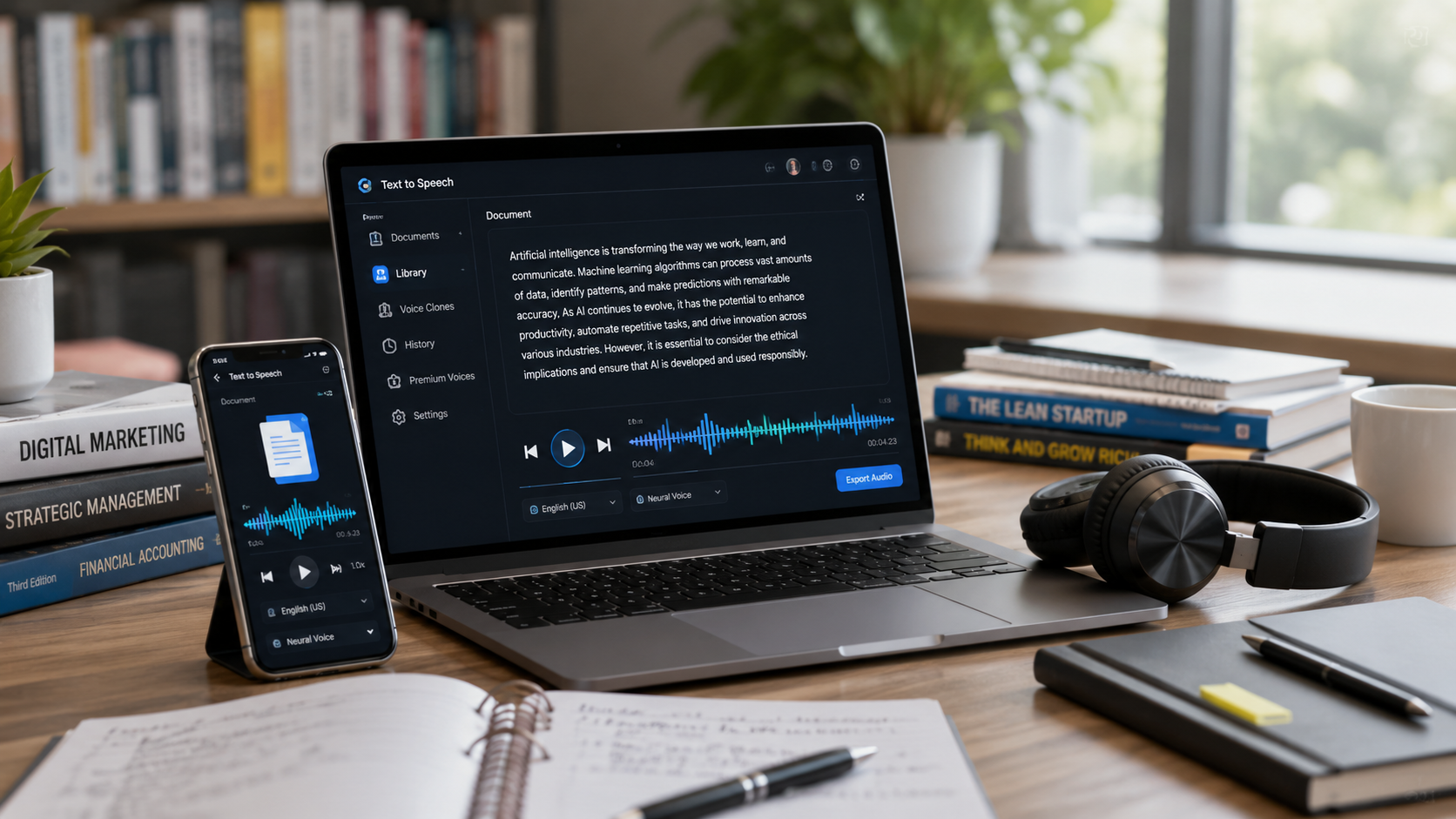
That’s exactly why text-to-speech tools have become so popular. Among them, Speechify is one of the biggest names. Whether you’re a student trying to survive endless PDFs, a professional dealing with reports, or someone who simply prefers listening over reading, Speechify promises to turn text into natural-sounding audio.
But before signing up, most people ask the same question:
The answer isn’t quite as straightforward as a single price tag. Speechify offers a free version, a Premium subscription, and additional products aimed at creators and businesses. The pricing can also vary depending on whether you choose monthly or annual billing.
In this guide, I’ll break down everything you need to know about Speechify pricing, what’s included in each plan, whether the Premium version is worth paying for, and some alternatives if you’re shopping around.
Let’s get started.
What Is Speechify?
Before talking about costs, it’s helpful to understand what Speechify actually does.
Speechify is an AI-powered text-to-speech platform that converts written content into spoken audio. You can use it to listen to:
- PDFs
- Articles
- Emails
- Web pages
- Google Docs
- eBooks
- Study materials
- Printed documents using OCR scanning
The platform was created to help people with dyslexia and reading difficulties, but it has since expanded into a productivity tool used by students, entrepreneurs, professionals, and content creators.
Many users love it because listening can often feel faster and less mentally draining than reading long blocks of text.
So, How Much Does Speechify Cost?
The short answer:
Speechify Free Plan
Cost: Free
Speechify offers a basic free version that lets users test the platform without spending money.
Speechify Premium Plan
Cost: Approximately $139 per year when billed annually, or around $29 per month when billed monthly. Pricing can vary slightly depending on promotions and region.
The annual plan is significantly cheaper than paying month to month.
For example:
- Monthly: $29 × 12 months = $348 per year
- Annual: Around $139 per year
That’s a substantial difference and one reason many users choose annual billing.
What’s Included in the Free Plan?
Whenever I test a new productivity tool, I start with the free version.
Speechify’s free plan is decent for basic use, but it’s intentionally limited.
Typical free features include:
- Basic text-to-speech
- Limited voice selection
- Standard listening speeds
- Web and mobile access
- Basic document reading
The biggest drawback is voice quality.
The free voices get the job done, but they don’t sound nearly as natural as the premium voices. After listening for an hour or two, you can definitely tell the difference.
Think of it like comparing a GPS navigation voice from ten years ago to a modern AI assistant.
Both work.
One is simply easier to listen to.
What Does Speechify Premium Include?
This is where things get interesting.
Speechify Premium unlocks most of the features that people actually talk about online.
Premium typically includes:
1. High-Quality AI Voices
One of Speechify’s strongest selling points is its collection of natural-sounding voices.
Premium users gain access to hundreds of voices across numerous languages.
Some celebrity voices have also been offered through the platform at various times.
2. Faster Listening Speeds
If you’re new to text-to-speech, listening at 1x speed may seem normal.
After a few weeks, you’ll probably find yourself listening at 1.5x, then 2x, and maybe even faster.
Premium users can access much higher playback speeds, making it possible to consume large amounts of content quickly.
Students especially love this feature.
3. OCR Scanning
One of my favorite features is OCR.
You can take a photo of printed text, and Speechify converts it into audio.
Imagine pointing your phone at:
- Textbooks
- Printed notes
- Handouts
- Paper reports
Then,n listening to them while walking or exercising.
Pretty convenient.
4. More Languages
Premium users gain access to dozens of languages and accents.
This is useful for:
- Language learners
- International students
- Global businesses
- Multilingual professionals
5. Device Syncing
Speechify works across:
- Web
- Android
- iPhone
- Desktop
- Browser extensions
Your content stays synchronized, making it easy to switch devices.
6. Offline Listening
Premium users can often access downloaded content for listening without an internet connection.
Perfect for:
- Flights
- Travel
- Commuting
- Areas with poor connectivity
Is Speechify Premium Worth It?
This depends heavily on how much reading you do.
It’s Worth It If You:
- Read several hours each week
- Study regularly
- Have ADHD or dyslexia
- Listen to articles while multitasking
- Consume lots of PDFs
- Want natural AI voices
For these users, the annual subscription often pays for itself through time savings and convenience.
It May Not Be Worth It If You:
- Rarely read long documents
- Only need occasional text-to-speech
- Prefer traditional reading
- Are you on a tight budget
In that case, the free version may be enough.
My Personal Take on Speechify Pricing
When I first saw the monthly price, I had a little sticker shock.
Twenty-nine dollars per month feels expensive compared to many productivity apps.
But here’s the thing:
Speechify isn’t really competing with note-taking apps or to-do lists.
It’s competing with:
- Audiobooks
- Reading software
- Accessibility tools
- Learning platforms
- Time spent reading manually
Viewed that way, the annual plan starts looking more reasonable.
I still think casual users should stick with the free version first.
Use it for a week.
See if it fits your workflow.
Then decide.
Speechify for Students
Students are probably Speechify’s biggest audience.
Imagine you have:
- Three chapters to read
- Two research papers
- One case study
Instead of sitting at a desk all evening, you can:
- Listen while walking
- Listen while cleaning
- Listen while commuting
- Listen while exercising
Many students report better focus when listening and reading simultaneously.
Of course, everyone’s learning style is different, but Speechify can be a valuable study tool.
Speechify for Professionals
Professionals often use Speechify for:
Reading Reports
Long reports become easier to digest in audio form.
Email Management
Listen to emails during downtime.
Industry Research
Turn articles and whitepapers into audio.
Productivity
Consume information while handling routine tasks.
For busy professionals, saving even 20 minutes a day adds up quickly over a year.

Speechify for People With Dyslexia
Speechify’s origins are closely tied to helping people with dyslexia.
For many users with reading difficulties, text-to-speech isn’t simply a convenience.
It’s an accessibility tool.
The ability to hear text read aloud can improve comprehension and reduce reading fatigue.
This remains one of Speechify’s strongest use cases.
How Does Speechify Compare to Audible?
People often compare Speechify with Audible.
They’re actually quite different.
Audible
- Audiobooks only
- Massive audiobook library
- Entertainment focused
Speechify
- Reads almost any text
- Productivity focused
- Study focused
- Accessibility focused
If you mainly consume novels, Audible may be better.
If you want articles, PDFs, reports, and documents converted to audio, Speechify is usually the better fit.
Hidden Costs to Consider
The good news is that Speechify pricing is fairly straightforward.
However, keep these points in mind:
Monthly Costs More
The monthly plan can become expensive over time compared to annual billing.
Premium Features Drive Value
Many of the most attractive features sit behind the Premium subscription.
Creator Tools May Cost Extra
Speechify also offers creator-focused products and studio tools that may have separate pricing structures.
Alternatives to Speechify
If you’re comparing options, here are a few alternatives:
NaturalReader
Popular among students and casual users.
ElevenLabs
Known for extremely realistic AI voices.
Microsoft Read Aloud
Built into some Microsoft products.
Google Text-to-Speech
Available on many Android devices.
Amazon Polly
More suitable for developers.
Each option has strengths and weaknesses, so it may be worth testing a few before committing.
Tips for Getting the Most Value From Speechify
If you decide to subscribe, here are a few practical tips.
Start With the Free Version
Never pay before testing.
Use Keyboard Shortcuts
They can dramatically improve workflow.
Experiment With Speed
Most people gradually increase their listening speed over time.
Combine Reading and Listening
Many users find this improves focus and retention.
Import Long Documents
Speechify shines with lengthy PDFs and reports.
Common Complaints About Speechify
No tool is perfect.
Some users mention:
- Premium pricing feels expensive
- The monthly plan is costly
- Occasional OCR errors
- Certain voices sound better than others
- Learning curve for new users
You’ll find both positive and negative opinions online, which is why trying the free version first is smart.
The Future of Speechify
Speechify has expanded beyond simple text-to-speech.
Recent developments include:
- Voice typing
- AI assistants
- Enhanced voice generation
- Improved productivity features
- Windows desktop support
As AI voice technology continues improving, Speechify will likely add even more capabilities in the coming years.
Final Verdict: How Much Does Speechify Cost and Is It Worth It?
So, how much does Speechify cost?
The free version costs nothing and provides a solid introduction to the platform. Premium generally costs around $139 per year on annual billing or $29 per month when paid monthly.
For casual users, the free plan is often enough.
For students, professionals, heavy readers, and people who rely on accessibility tools, Premium can be a worthwhile investment.
The biggest factor isn’t the price itself.
It’s whether you’ll actually use it.
If Speechify helps you consume information faster, stay focused, and turn reading time into listening time, the subscription can feel surprisingly reasonable. If not, the free version remains a perfectly good place to start.
FAQs
How much does Speechify Premium cost?
Speechify Premium typically costs around $139 per year with annual billing or approximately $29 per month with monthly billing. Pricing may vary depending on promotions and location.
Is there a free version of Speechify?
Yes. Speechify offers a free plan with basic text-to-speech functionality and limited voice options.
Can I cancel Speechify anytime?
Generally, users can cancel subscriptions through the platform where they purchased them, though refund policies may vary.
Is Speechify good for students?
Yes. Many students use Speechify to listen to textbooks, PDFs, research papers, and study materials while multitasking.
Does Speechify work offline?
Premium users can access offline listening features for downloaded content.
Is Speechify better than Audible?
They serve different purposes. Audible focuses on audiobooks, while Speechify converts your own reading material into audio.
What devices support Speechify?
Speechify works on web browsers, iOS, Android, desktop applications, and browser extensions.
Is Speechify worth paying for?
If you regularly read large amounts of content or benefit from audio learning, many users find the Premium plan worth the cost. Otherwise, the free version may be sufficient.
